

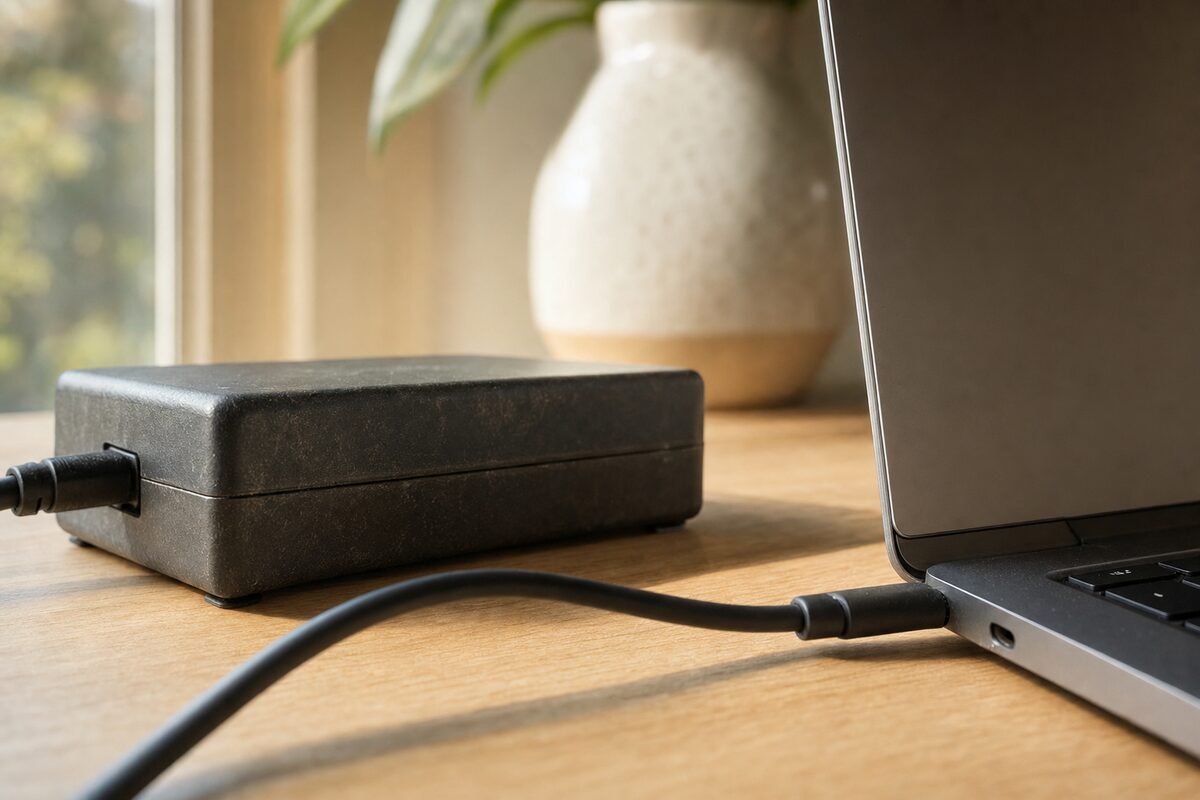
A laptop charger with lower wattage than the manufacturer recommends is far more likely to cause charging problems, slow performance or even an inability to power the laptop than it is to automatically cause any physical damage. Manufacturer documentation for Dell and Apple laptops details specific symptoms that users may experience when a laptop is operating with insufficient power, without establishing that those lower-power conditions will automatically damage the computer. Non-compliant or defective charging equipment does represent a real safety hazard, but establishing the cause often requires more than just confirming that the power output is too low. A laptop charger that is simply underpowered on its own usually has too low a wattage to charge the laptop hardware efficiently, but those operational deficiencies are not evidence that the underpowered charger is defective or automatically a dangerous potential fire hazard.
What Does a “Weak Charger” Actually Mean?
Most manufacturers explain clearly that a “weak charger” is an AC adapter whose wattage is too low to charge a laptop efficiently. The vendor’s power requirements are usually printed on the AC adapter’s underside. Some laptop warranties may also limit coverage for damage caused by unauthorized or defective accessories.
Dell is explicit about the performance obstacles that can result from using an underpowered charger, while USB standards indicate that compliant USB equipment is designed to negotiate supported power levels safely. But on a practical level, compliance certification and USB certification don’t just apply to power wattage and minimum safety features: they also establish that compatible equipment follows the required communication and power-delivery specifications.
If the charger uses an incompatible port, can’t connect reliably, or the cable doesn’t support the required protocol, it’s not simply “power” that has proved a problem — it’s compatibility or a defect. Checking the specifications is just as important as confirming wattage from your AC adapter. But once the charger is compatible, the manufacturer begins to list potential limitations for using a charger lower than recommended. This isn’t to suggest that the ordinary warning of “Slow Charger” signals imminent physical hardware damage in a matter of minutes.
The importance of proper certification is difficult to overstate, especially with high-power devices. USB-C charging is flexible, but any unknown or visibly damaged adapter should be replaced with a properly specified product. Likewise, if your AC adapter has been physically damaged in the past, or the charger has no reliable manufacturer information, visual inspection alone will not guarantee that it is safe. Choosing properly specified equipment is the safest outcome, which is why you should buy products that meet recognized standards.
Recommended wattage vs minimum wattage
Many manufacturers require a certain power level for optimal performance. A laptop that normally ships with a 65-watt adapter, for example, may charge more slowly with a lower-powered compatible adapter. If the available wattage falls below what the laptop requires during use, the battery may not charge, the computer may reduce performance, or the battery may drain while connected to AC power.
Manufacturers specify minimum or recommended power because laptops can consume substantial power under load — not simply because they want to sell you an extra charger, but because a charger below a certain threshold may be unable to supply the system adequately. In practice, when available power reaches a limit, wattage is just one of several potential problem areas. A dock, particularly a USB-C dock, sometimes makes this problem worse. It’s not so much a charger as an additional load point, and the more power the dock and its connected devices consume, the less may remain for the laptop. In some cases, even a compliant USB-C connection will charge the computer slowly, while a phone charger connected to a laptop may provide too little power for normal use. Just don’t assume that a USB-C connector alone guarantees sufficient power, because the charger’s and cable’s actual specifications are what matter.
Low wattage is not the same as a bad charger
An insufficiently powered charger, a protocol-incompatible one, and a defective charger are three very different ideas. You can encounter poor-quality hardware — on a marketplace with limited quality control, in a local shop, from an unknown seller or under an unfamiliar brand. Your charger fails and you buy the next one — one more replacement that could have been avoided by checking specifications first.
Apple permits USB-C Macs to use a compatible charger with higher or lower wattage than the recommended adapter. The company warns that a lower-wattage adapter may charge more slowly, but that’s a different issue from the dangers of using a defective charging brick or cable. Want to get the right power? Buy for compatibility. A cheap charger, or one bought from an unknown seller without clear specifications, may not be worth the risk. Check the manufacturer, ratings and applicable safety standards, then you’re already on your way.
What Happens When Your Charger Is Too Weak?
Dell documents this. Reduced wattage does not automatically mean that a computer will overheat — but that’s a general distinction that can vary by device and failure condition. USB standards indicate that compliant charging products are designed around defined electrical requirements, but proper operation still requires the USB hardware to negotiate supported power. When it all works correctly, this means your device will communicate with your charger to agree on an appropriate power level. When comparing replacement chargers on Zeto, Amazon, check the required wattage, voltage, connector type, and exact model or part-number compatibility — a charger with the right plug can still be unsuitable if its power specifications are too low. Negotiation between the AC adapter and a USB-C laptop is key. Interference from a defective cable or incompatible connection is not.
Charging becomes slower
Dell recommends using an adapter with sufficient wattage for the machine, or the battery may fail to reach full charge during heavy use, or it may charge at a much slower rate. They recommend a compatible charger, while an underpowered version may simply supply less energy than the laptop needs. Slow-charging adapters can take several hours to charge a laptop fully, if they can keep up at all.
The laptop may stop charging
When the power received is too low, some Dell computers may stop adding charge to the battery — basically, the system is consuming as much or more power than the adapter supplies. Manufacturers describe more than one possible battery behavior, ending not with a fully charged battery but with no increase or even battery drain while plugged in.
The battery can drain even while plugged in
This is possible. Your laptop may consume more power than the adapter can provide — particularly under CPU or GPU load — if it keeps draining while plugged in. At that point it is not necessarily a battery defect, but your laptop is going to continue losing charge unless the charger can supply enough power. Even a USB-C adapter may have trouble if it doesn’t negotiate or deliver sufficient power.
Laptop performance can decrease
Dell says the battery may continue to lose power even with the AC adapter plugged in, but there are other symptoms of insufficient wattage: the computer’s processing performance may decrease in response to the reduced available energy. Sufficient adapter power is not merely about charging the battery, but may also allow your computer to maintain its expected performance.
A severely underpowered charger may not start the laptop
Dell warns that a severely underpowered or unrecognized charger may not be able to operate the laptop properly, especially when the battery is deeply discharged. They also describe situations in which a low-power USB-C charger may put some energy into a laptop battery while the computer is powered off. Many hours for your phone charger to charge your laptop — maybe technically possible, but it’s a good idea to double-check the port and power specifications before relying on it. In this case, power is not just about the connector, but the charger’s output too.
So, Can Low Wattage Actually Damage the Laptop?
In the case of USB PD-compliant devices, compatible chargers follow a defined system: USB-C Power Delivery is designed for power negotiation. Lower wattage is better understood by answering the question of what you should have been looking for: USB compatibility and appropriate power specifications. These show what you should have sought out — instead of assuming that every USB-C charger behaves identically. USB PD is designed to be flexible, supporting power levels up to 240 watts and allowing power negotiation between compatible devices. That’s controlled power delivery.
When a Charger Really Can Be Dangerous
Flaws in compliance, construction or power delivery should be treated with care, because they can cause damage or injuries. Apple says third-party USB-C chargers should comply with applicable safety standards. It’s an important distinction in this article, because a visibly damaged or overheating charger should be disconnected and replaced rather than treated as merely “underpowered.”
Defective adapters
A defective charger can literally be a fire hazard, even when the initial symptom appears minor. Dell is not unique in warning about damaged charging hardware: a defective charger can cause overheating or electrical problems, leading to damaged equipment or, in rare cases, fire.
Regulators have documented safety hazards associated with defective laptop adapters. Dynabook recalled about 15.5 million Toshiba laptop AC adapters after reports that some units could overheat, spark, melt or catch fire. There is no safety guarantee for defective equipment, which is why recalled or visibly damaged adapters should not remain in use. And if an adapter becomes excessively hot, melts, smells burnt or produces abnormal sparking, you should disconnect it and replace it. The idea that a charger can cause a fire isn’t hypothetical, but defective chargers are very different from merely underpowered chargers.
Is a 45 W Charger Safe for a 65 W Laptop?
When a manufacturer recommends 65 watts, but a compatible charger provides only 45, the battery may charge slowly, fail to charge during use or even drain under heavy load. If we’re talking about a compatible USB-C PD charger, the wattage difference alone does not automatically make the charger unsafe. But manufacturers generally recommend an adapter that meets the laptop’s required or recommended wattage for normal operation.
Many modern USB PD laptops distinguish themselves with protocols which negotiate supported power levels, but simply having a USB-C connector isn’t going to convince the laptop to accept any amount of available power. In any case, Apple permits compatible USB-C adapters with lower or higher wattage, while recommending an adapter with equal or greater wattage than the one supplied with the Mac.
Can You Charge a Laptop With a Phone Charger?
While it is sometimes possible to charge a compatible USB-C laptop from a phone charger, there are a couple of caveats. Even a phone charger which provides USB Power Delivery may take a long time to add meaningful charge. The phone charger must also provide a power level the laptop can use, or the laptop may fail to charge while operating.
Can a Higher-Wattage Charger Damage Your Laptop?
For compatible USB-C PD laptops, using a higher-wattage charger does not automatically damage the laptop, and is permitted by Apple for compatible Macs. USB-C PD charging allows the device to request an appropriate supported power level, negotiating the power requirements between connected devices. This is only true, however, when the charger, cable and device are compatible with the relevant charging standard.
Apple even permits compatible USB-C chargers to exceed the recommended power for a Mac. USB Power Delivery negotiates supported power, so your laptop will not simply absorb the charger’s maximum rated wattage because that wattage is available. But Apple says to use properly specified equipment.
Why a USB-C Dock Can Make a Charger Seem Too Weak
Just because a charger appears underpowered at the laptop doesn’t necessarily mean it’s defective or non-compliant. In some cases, USB-C docks consume part of the power supplied by the charger, which can reduce the power that ultimately arrives at the laptop. This isn’t necessarily an indication that the computer is faulty or the charger is broken, it often means the dock and connected peripherals are consuming part of the available power. That’s why checking power-delivery specifications and the manufacturer’s recommendations is important, in practice the dock may require a higher-wattage adapter than the laptop alone.
How to Choose the Right Laptop Charger
To find the proper laptop charger, follow these steps:
- Check your laptop’s required or recommended wattage. For many laptops, this can range from around 45 to well over 100 watts depending on the model. You can find this by searching
<LaptopName> wattage requirementsor checking the manufacturer’s specifications. - Check whether your laptop requires USB Power Delivery.
- Verify the charger’s wattage. It’s usually printed on the underside of the AC adapter.
- Buy a charger and cable that meet the manufacturer’s requirements rather than relying only on product reviews. Apple and Dell both publish specifications for compatible charging equipment.
- Check if a USB device has appropriate certification or compliance markings: USB-IF certification indicates that a USB product has passed the applicable compliance testing.
- Do not use a defective charger which may have damaged wiring or insulation, because this can result in overheating or fire.
Signs Your Charger Is Underpowered
If your laptop is experiencing the following issues, it may be receiving insufficient power:
- Displays a “Slow Charger” or low-wattage warning
- Increases battery percentage very gradually
- Is unable to charge the battery or continues to lose charge while plugged in
- Performance is reduced, such as slower processing
- Cannot boot when the battery is deeply discharged
- Only charges a powered-off laptop if a low-power charger is used
- Charging starts intermittently, or not at all
